
Stream overlays that pop
Cute, cozy or bold: 14 complete Twitch overlay packs with animated chat, alerts, 3D stream screens and panels. One click to install on StreamElements or Streamlabs.
- Twitch · YouTube · Kick
- StreamElements & Streamlabs
- One-click install, no code

Find your vibe
Every pack is built from scratch with its own art, type and animations. Open one to see it up close; most run live right on the page.
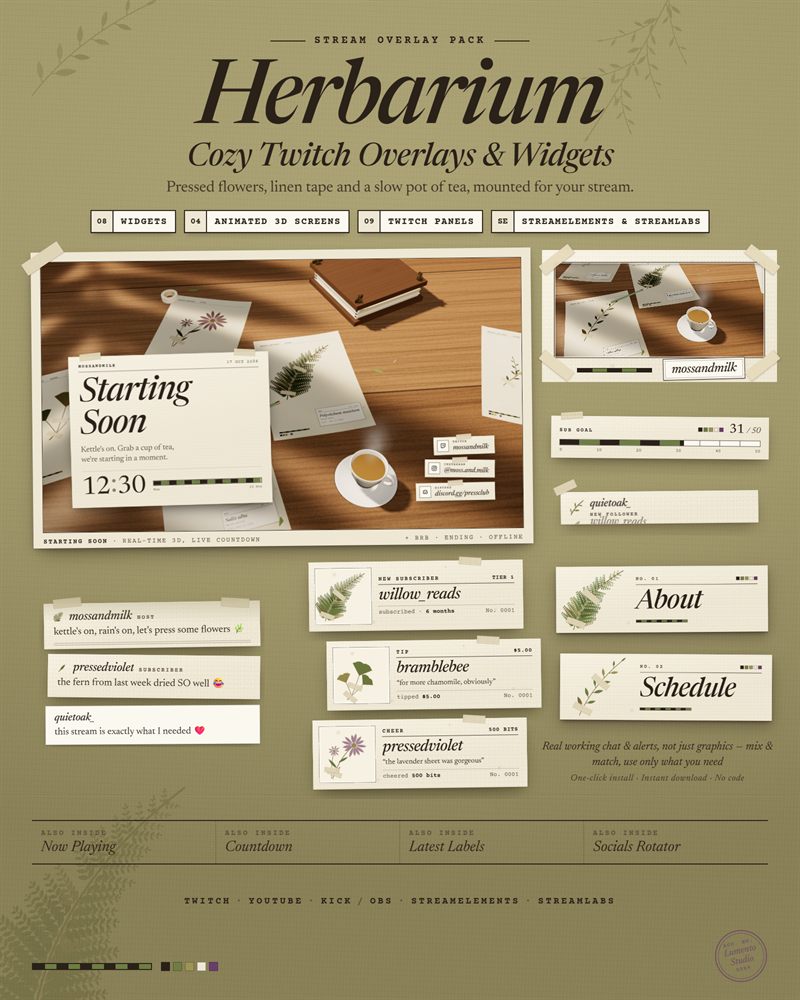
Herbarium
Cozy Pressed Flower Twitch Overlay Pack
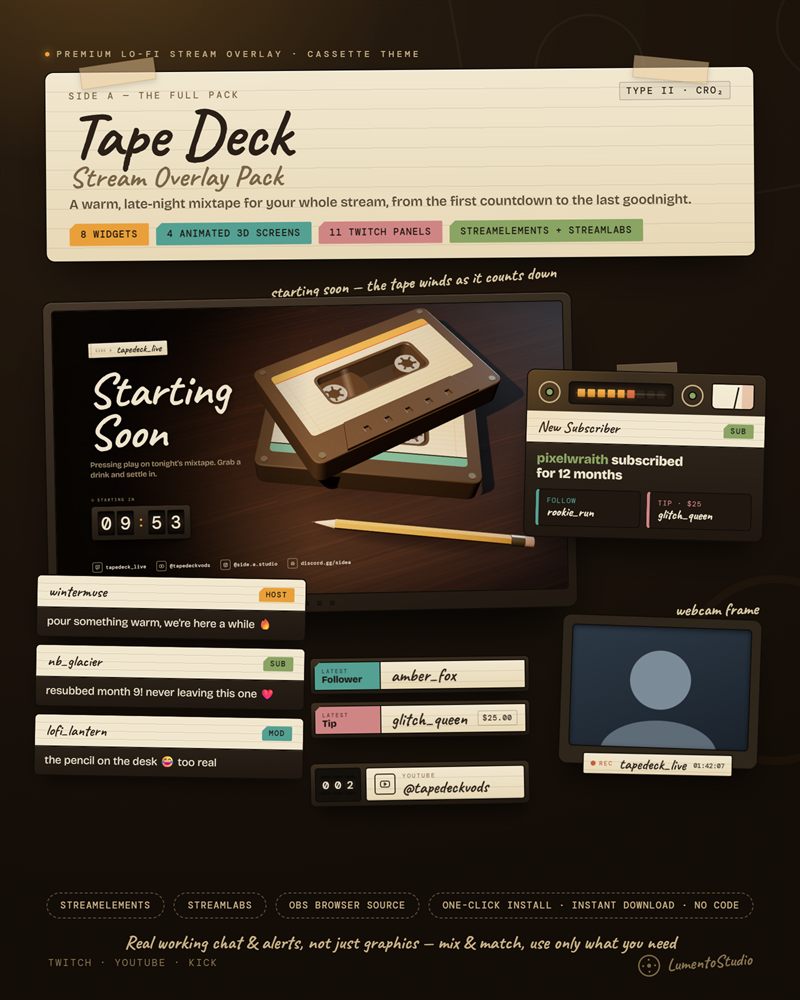
Tape Deck
Lo-Fi Cassette Twitch Overlay Pack
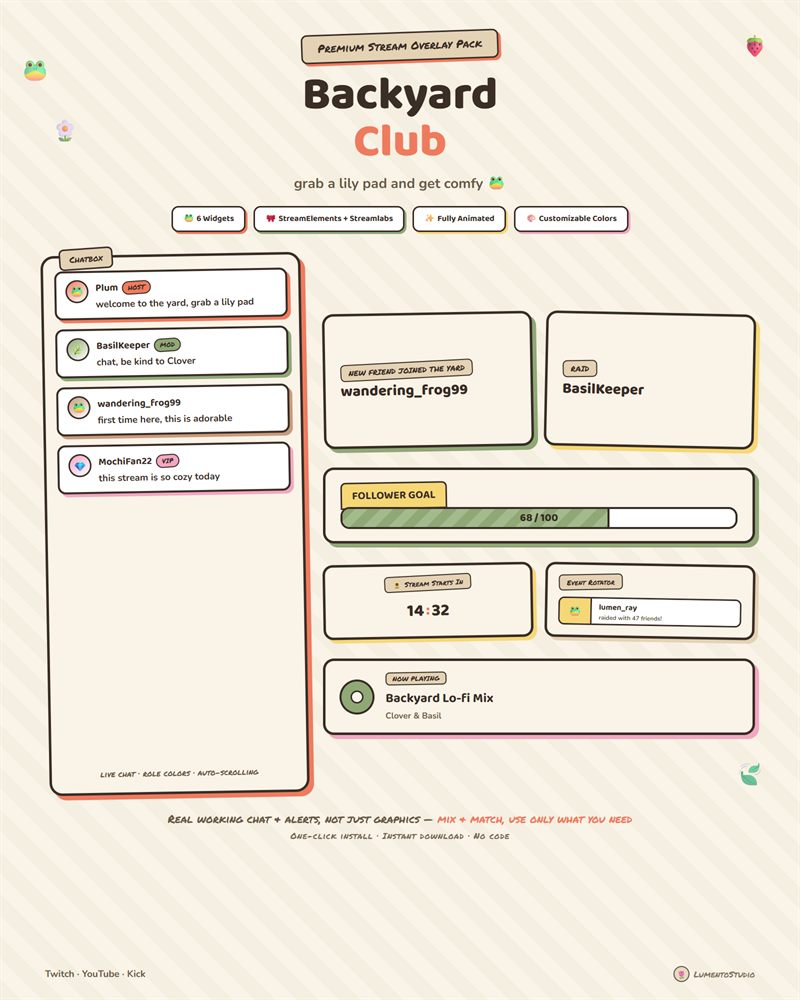
Backyard Club
Cute Cottagecore Twitch Overlay Pack
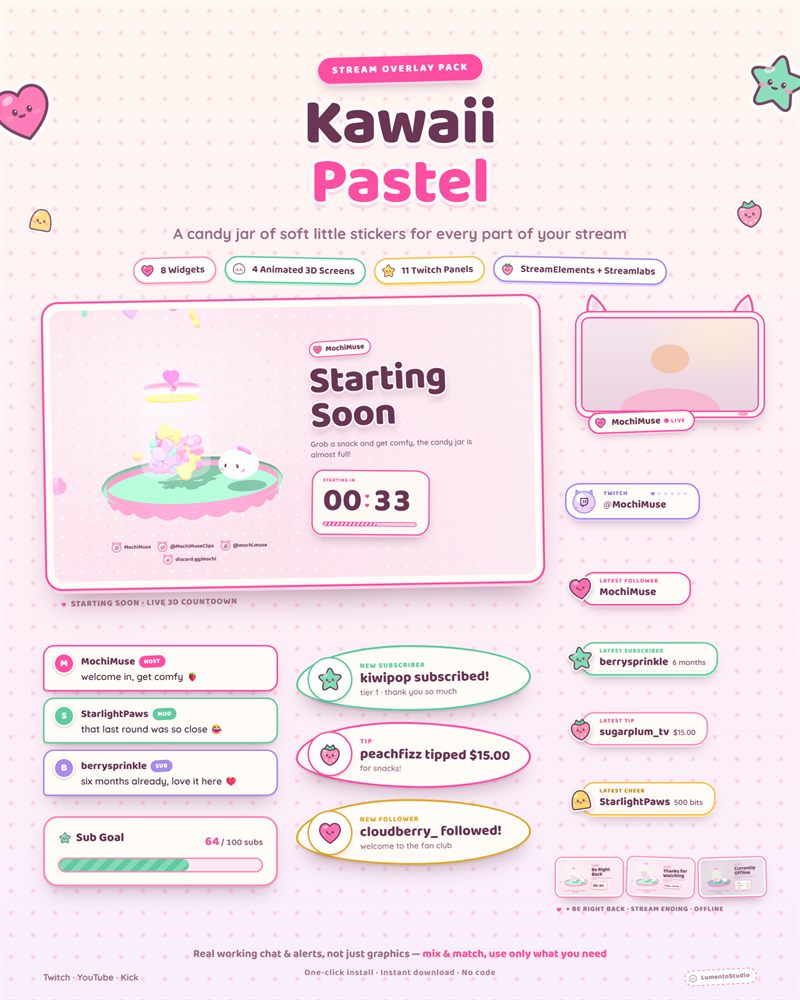
Kawaii Pastel
Cute Pastel Twitch Overlay Pack
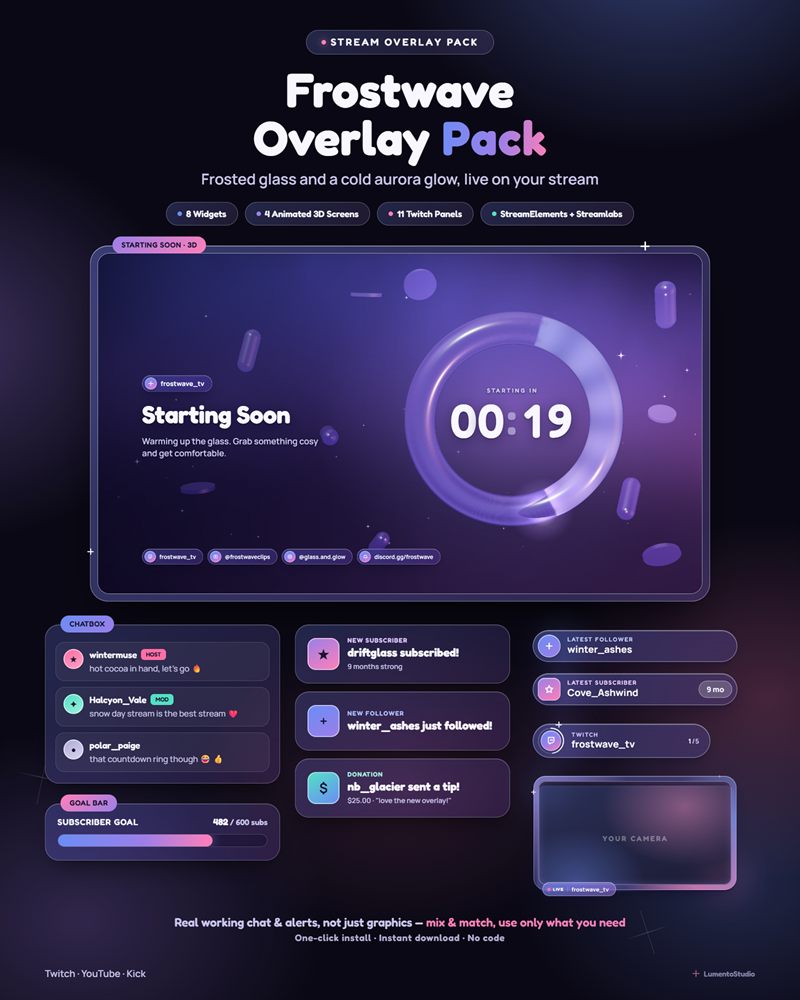
Frostwave
Frosted Glass Aurora Twitch Overlay Pack
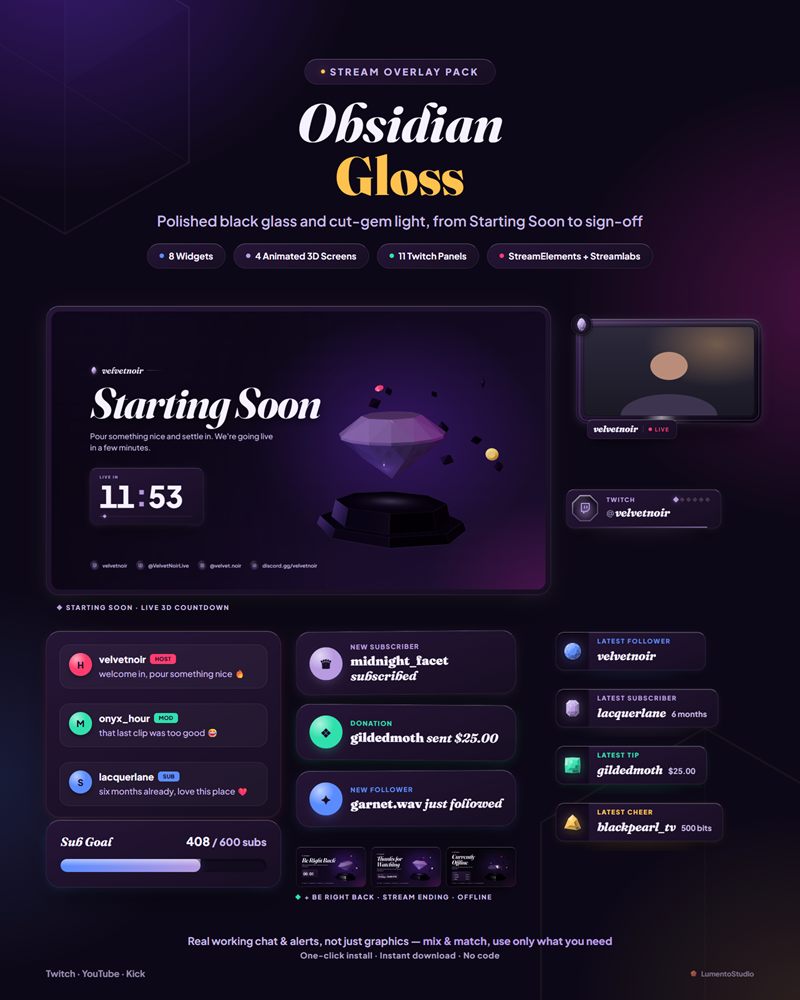
Obsidian Gloss
Dark Glossy Twitch Overlay Pack
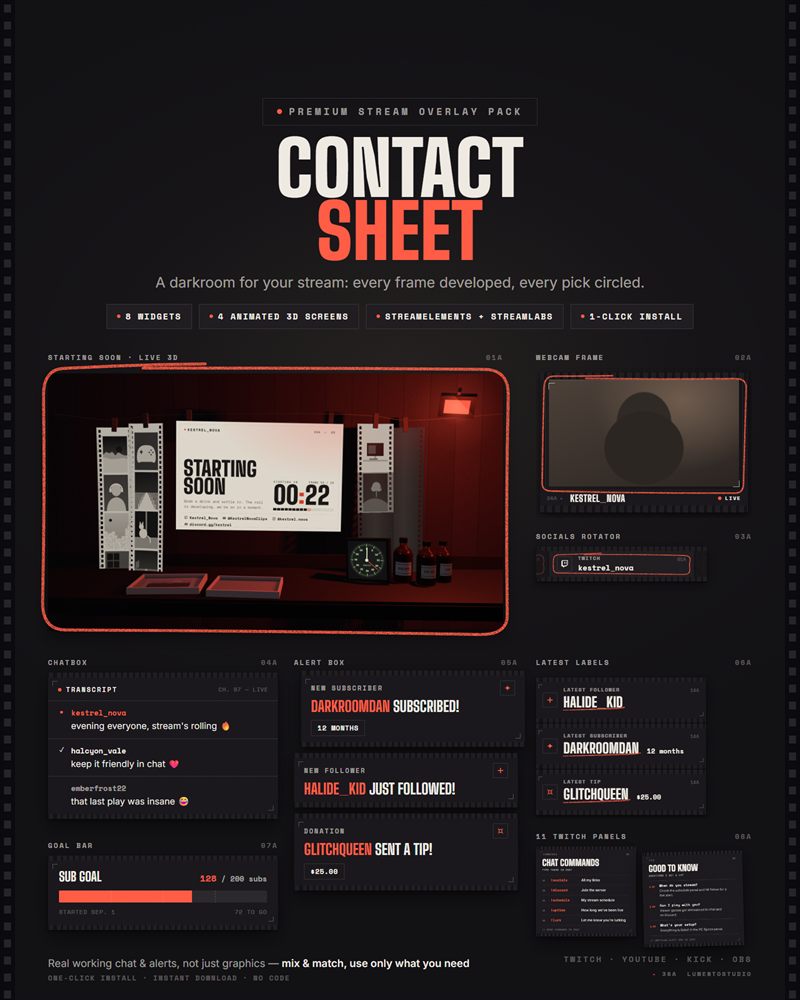
Contact Sheet
Minimalist Film Twitch Overlay Pack
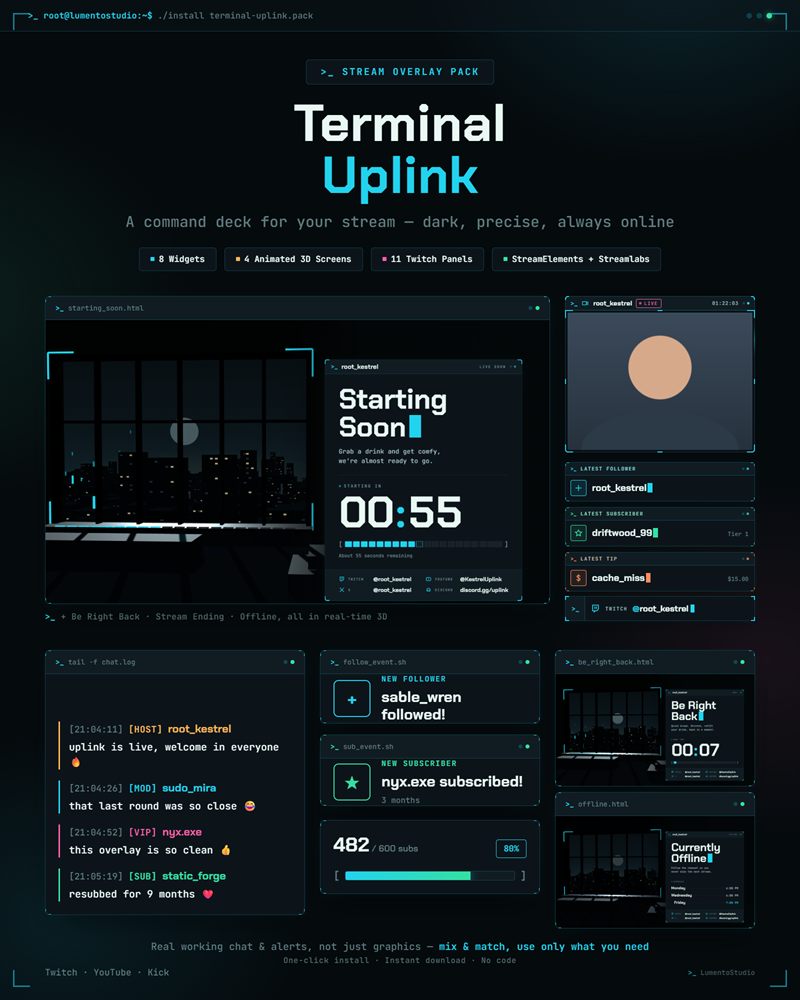
Terminal Uplink
Hacker Terminal Twitch Overlay Pack
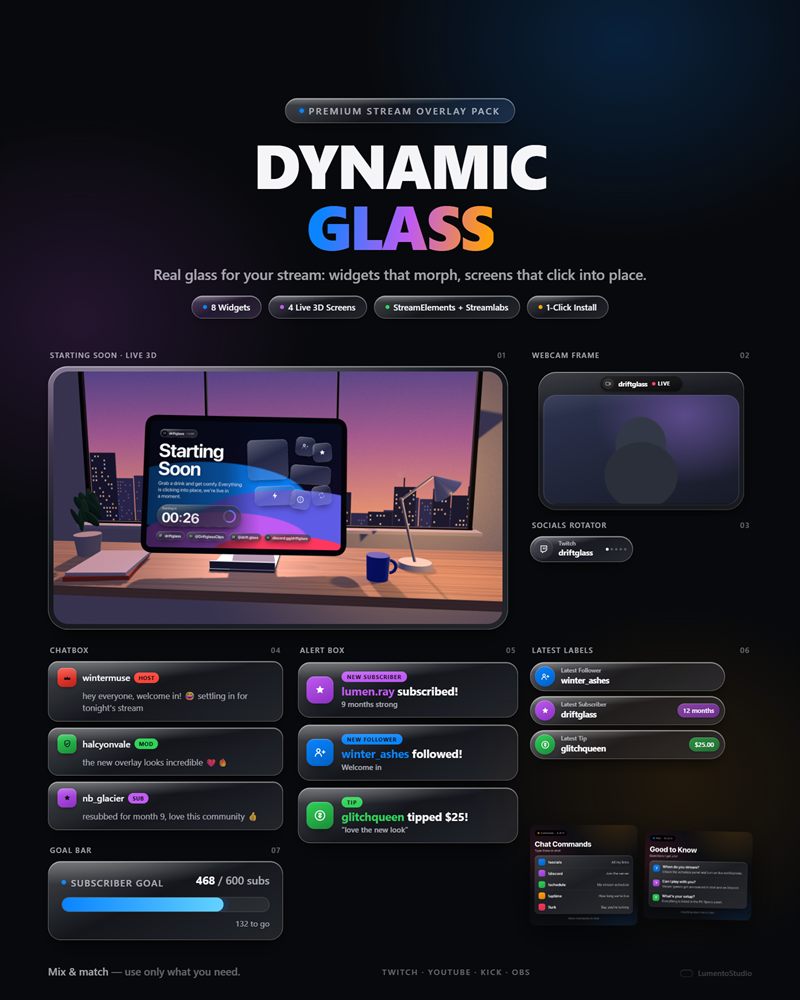
Dynamic Glass
Glass Interface Twitch Overlay Pack
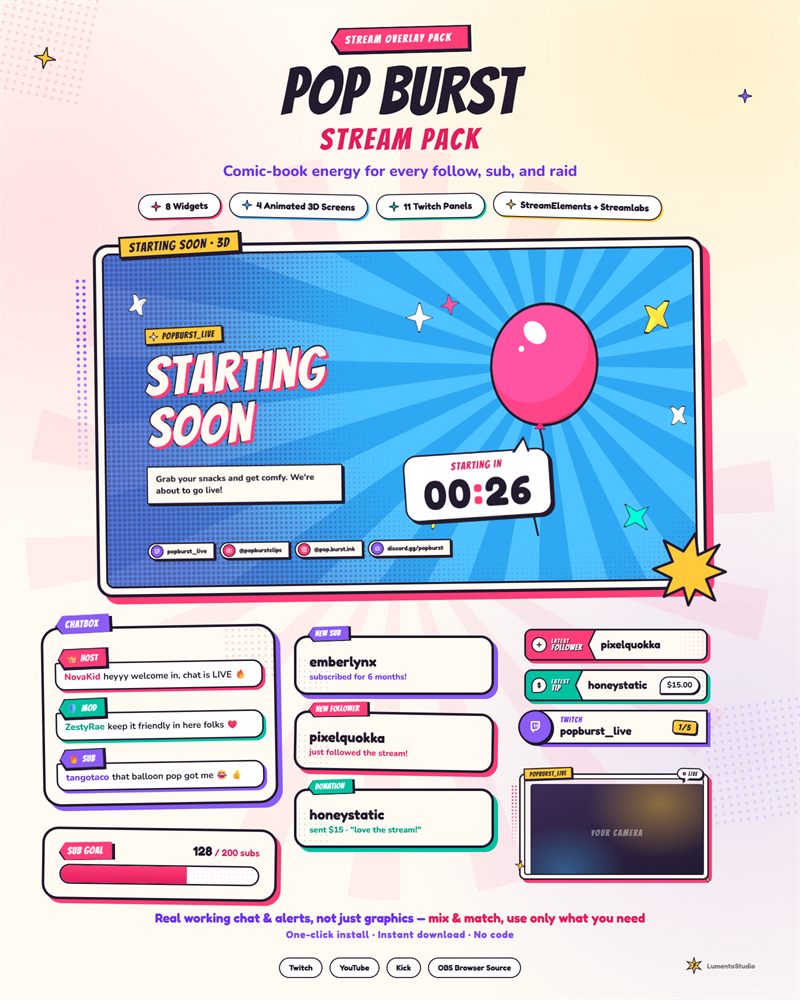
Pop Burst
Comic Book Twitch Overlay Pack
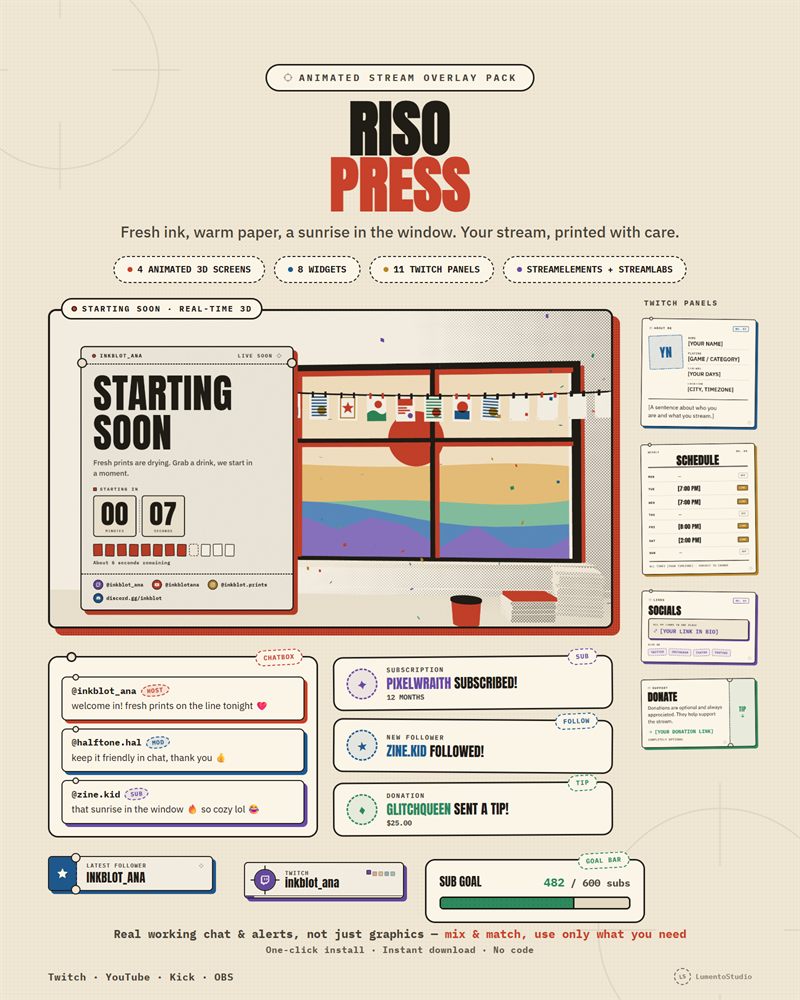
Riso Press
Risograph Print Twitch Overlay Pack
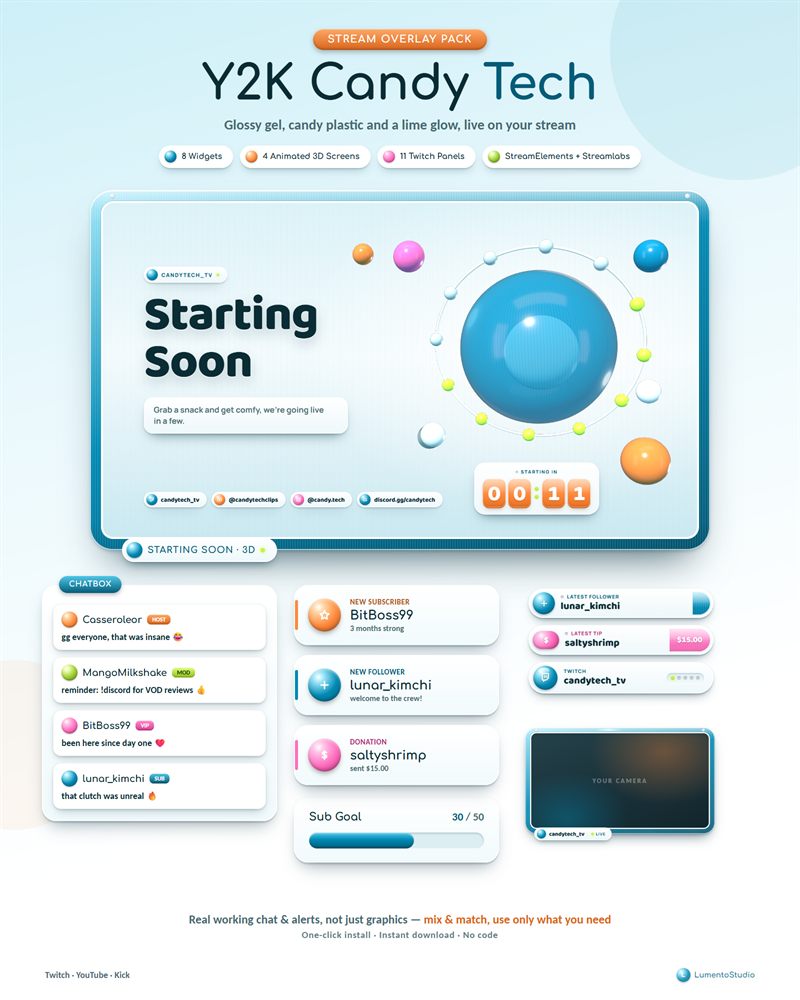
Y2K Candy Tech
Y2K Glossy Twitch Overlay Pack
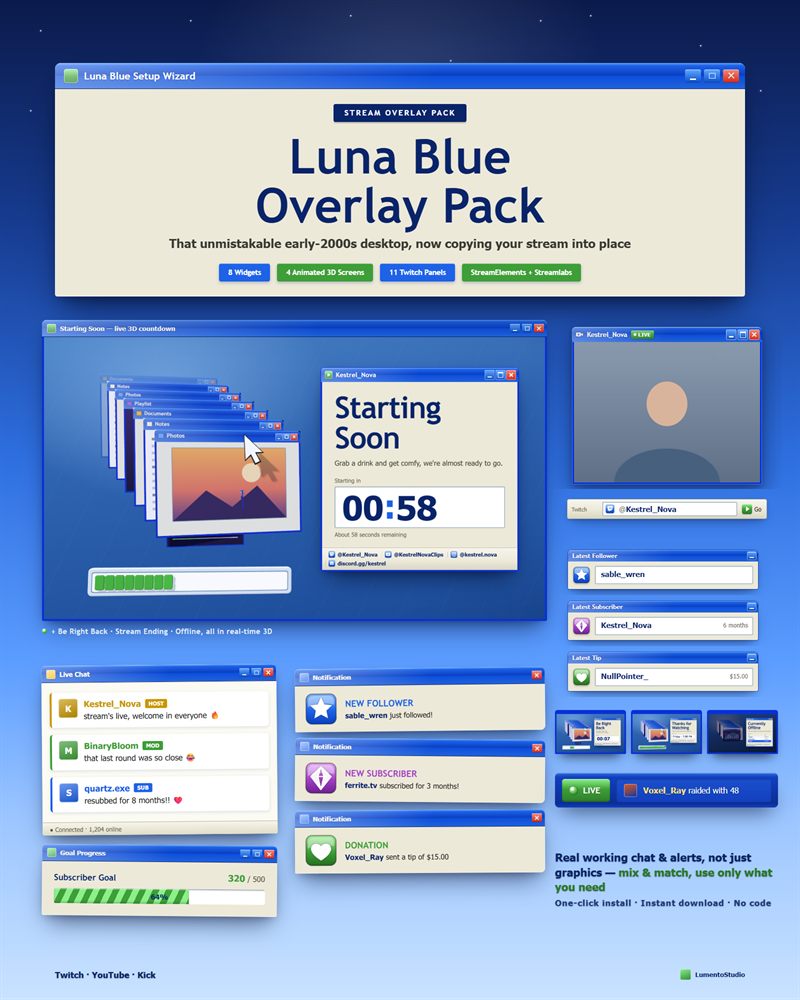
Luna Blue
Retro 2000s Desktop Twitch Overlay Pack
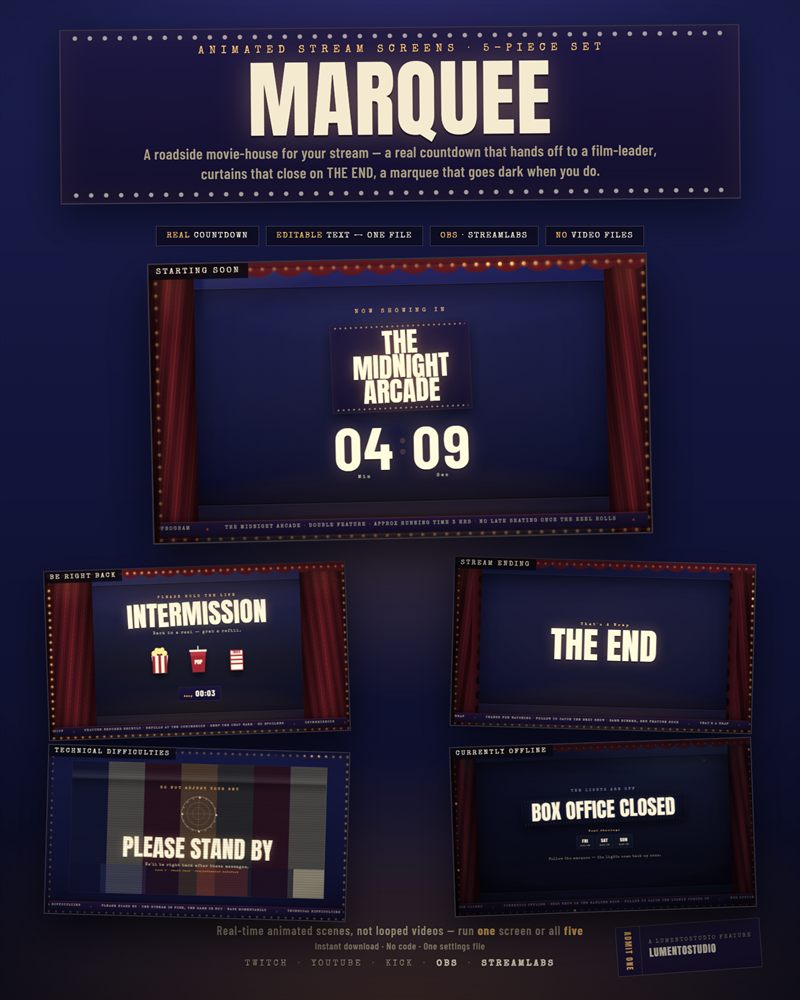
Marquee
Animated Twitch Stream Screens
Everything in one pack
A full pack covers your whole stream, start to finish. Use all of it or just the pieces you like; every pack page lists exactly what's included.
Chatbox
Live chat with distinct looks for host, mods, VIPs, subs and viewers.
Alert box
Follows, subs, cheers, raids and tips, with gift-sub bursts grouped.
Goal bar
Progress toward followers, subs, bits or tips.
Countdown
Count down to go-time, with a clear zero state.
Event rotator
A small ticker that cycles your latest events.
Latest labels
Latest follower, subscriber, tip and cheer.
Socials rotator
Your handles, one at a time, in a corner.
Webcam frame
A frame around your camera in 16:9, 4:3 or 1:1.
Stream screens
Animated Starting Soon, Be Right Back, Ending and Offline.
Twitch panels
Matching About, Schedule, Rules, Socials and more.
The whole range in 50 seconds
A quick tour of the packs, their stream screens and widgets.
Live in three clicks
One-click install on StreamElements or Streamlabs. No code, no copy-pasting.
Click your install link
One link for StreamElements, one for Streamlabs, both in the Install Guide.
Confirm the import
All the pack's widgets arrive in your account together, ready to use.
Add them to OBS
Add each widget or stream screen as a browser source. Use only the pieces you like.
Questions?
Do these overlays work with StreamElements and Streamlabs?
Yes. Every widget pack comes with one install link for StreamElements and one for Streamlabs. Click the link, confirm the import, and all the widgets land in your account in one go.
Do I need to know any code?
No. There is nothing to copy or paste. The install links import everything for you, and the animated stream screens use a simple settings file you can edit in Notepad.
Can I use them on YouTube and Kick, not just Twitch?
Yes. The widgets run as browser sources in OBS Studio or Streamlabs Desktop, so they work wherever you stream: Twitch, YouTube or Kick.
Can I use only some of the widgets?
Yes. Every piece works on its own. Add only the chat and alerts, or the whole pack, whatever fits your setup.
Can I change the colors and text?
Each pack has its own options, such as alert duration, goal type and target, your own labels and your socials. Every pack page lists exactly what you can customize.
How do I get my files after I buy?
Packs are sold on Etsy as instant digital downloads. After checkout, download the files from your Etsy purchases and open the Install Guide PDF. It takes a few minutes.
Is it a subscription?
No. You buy a pack once on Etsy and keep it.