Animated stream screens
Marquee Animated Twitch Stream Screens
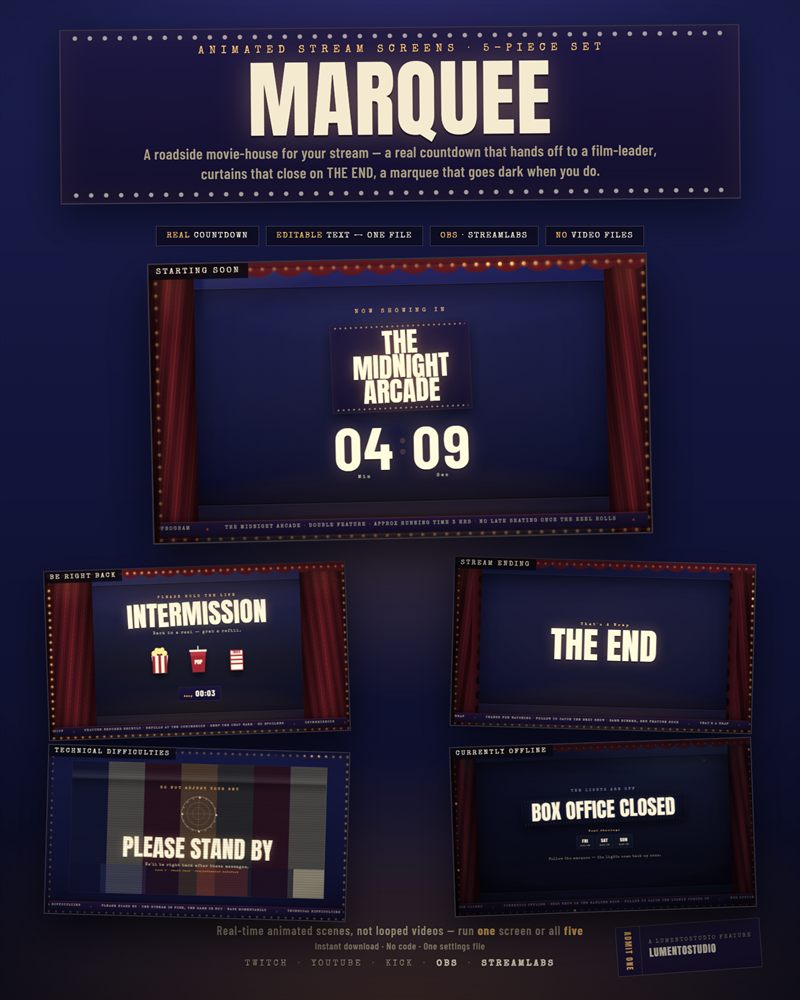
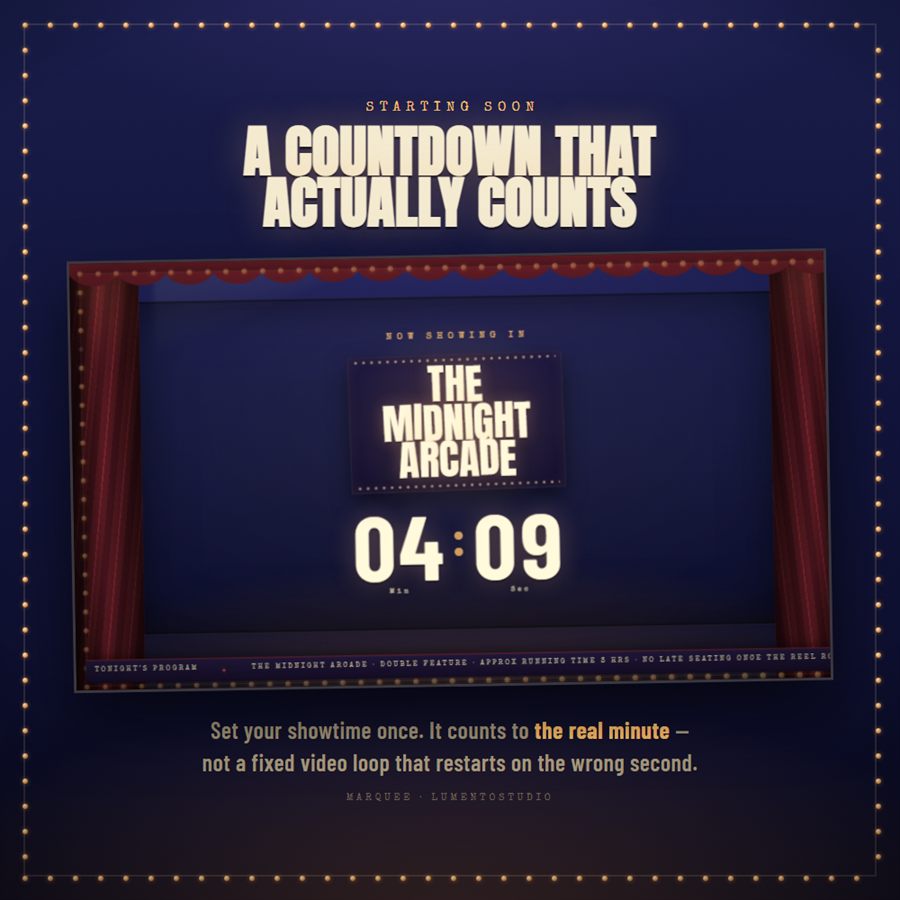
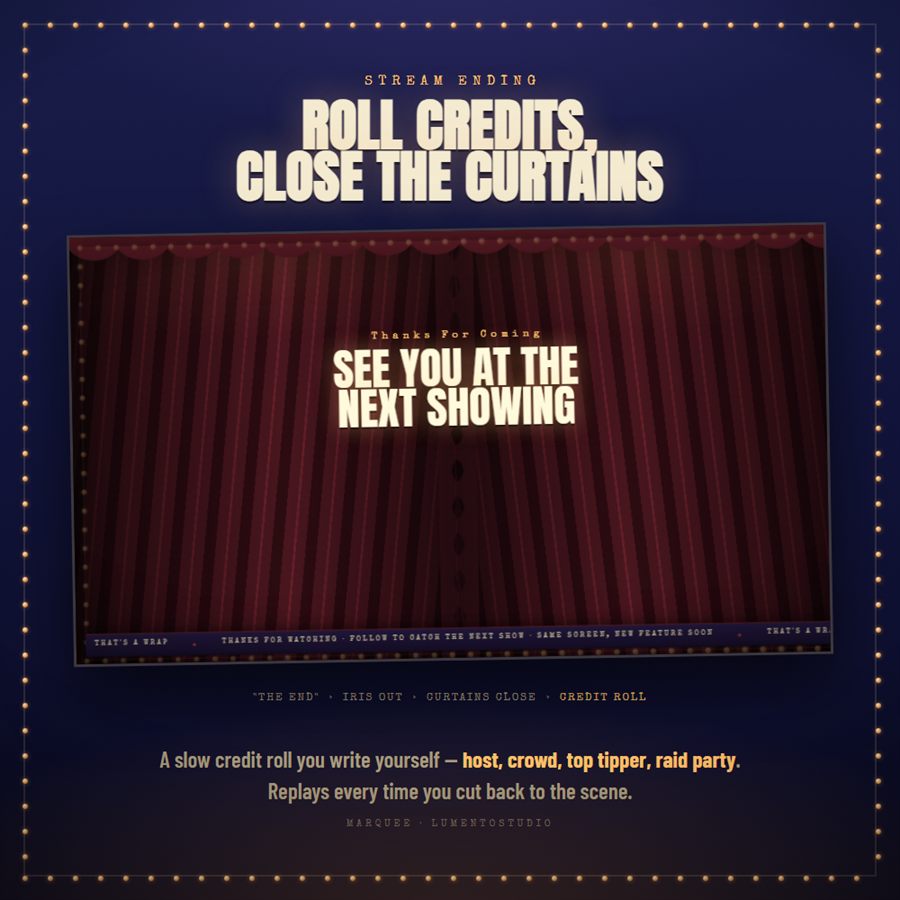
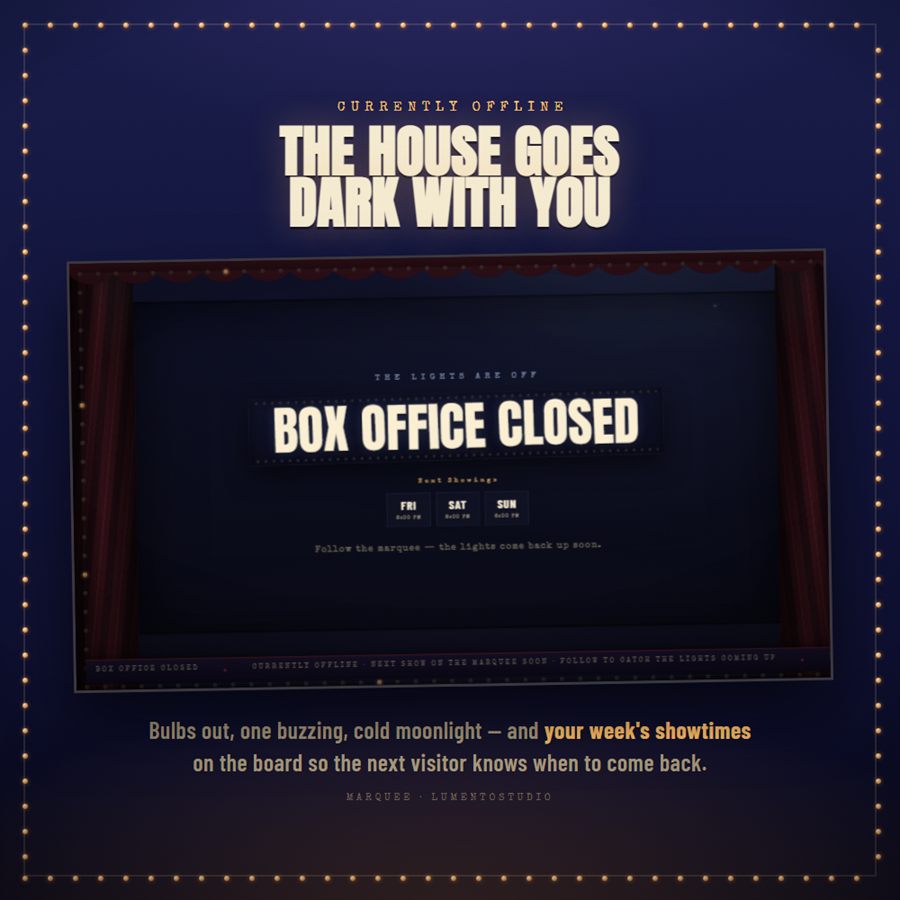
Turn every bit of downtime into a feature presentation. Marquee wraps your stream in a roadside movie-house: a Starting Soon countdown that hands off to a spinning film leader, velvet curtains that draw closed on THE END, a marquee that goes dark the moment you do. Five full-screen scenes, one settings file, and not a single video to render.
Works in OBS Studio and Streamlabs on Twitch, YouTube and Kick — no StreamElements or Streamlabs account, no code to paste.
- Twitch
- YouTube
- Kick
- OBS Studio
- Streamlabs Desktop

What's included
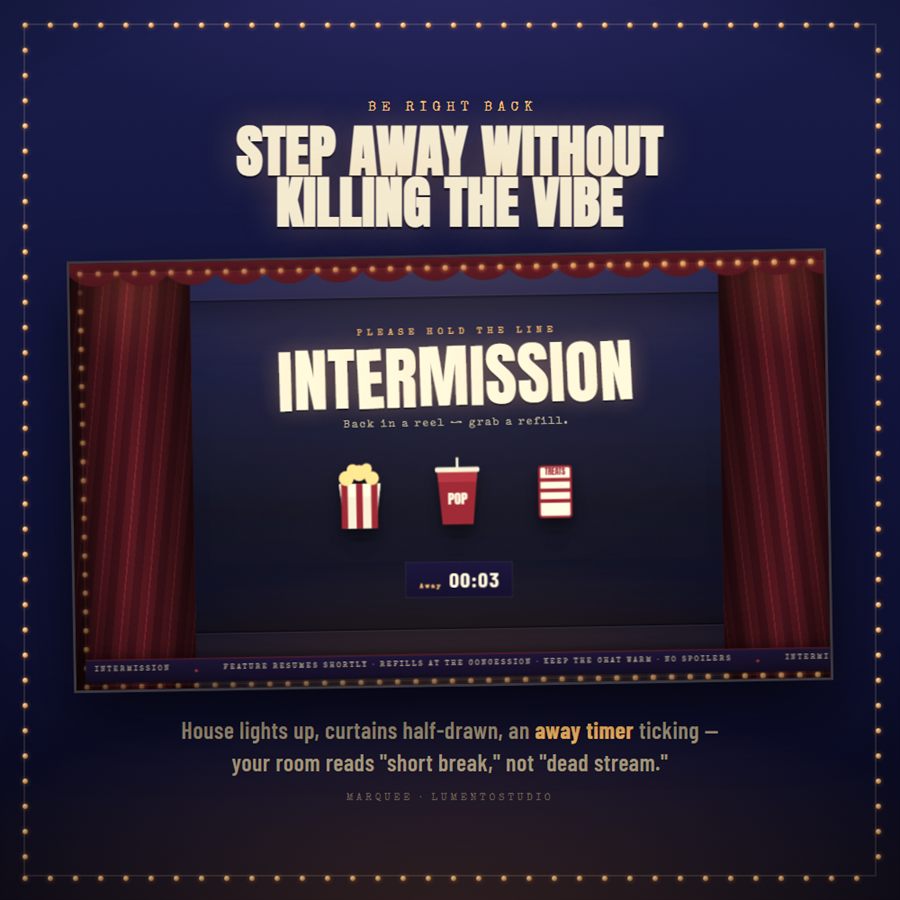
- 5 animated screens as HTML files — Starting Soon, Be Right Back, Technical Difficulties, Stream Ending, Currently Offline (1920x1080, added as OBS / Streamlabs Browser Sources)
- config.js — the single file you edit to make it yours
- Install Guide (PDF) — five short steps, no walkthrough of code
Customize it
- Show name — shown on the marquee board
- Starting Soon countdown — set an exact date & time, or a number of minutes from when the screen loads; custom "doors open" text for when it reaches zero
- Weekly showtimes on the Offline screen — add or remove days and times
- Wording on every screen — the small kicker line, the big headline, and the subtitle line (Be Right Back, Technical Difficulties, Currently Offline), plus Technical Difficulties' fault-code line and Stream Ending's end-card kicker and two-line headline
- Stream Ending credit roll — your own list of role + name lines (host, crowd, top tipper, raid party, whatever you like)
- Scrolling "program" ticker text along the bottom of each screen
- Accent colour — one hex value re-tints the glow and marquee bulbs across all five screens
- Film grain on / off · projector flicker on / off
Bring Marquee to your stream
Instant digital download on Etsy. Add the screens to OBS in minutes.