Stream overlay pack
Obsidian Gloss Dark Glossy Twitch Overlay Pack
Polished black glass, cut-gem light, and a sheen that catches every follow, sub and chat message. Obsidian Gloss carries one mood from your Starting Soon screen to your last goodnight: a real 3D gemstone turning over an obsidian plinth while your widgets glow in five stone colours around your game.
- Twitch
- YouTube
- Kick
- StreamElements
- Streamlabs
- OBS Studio
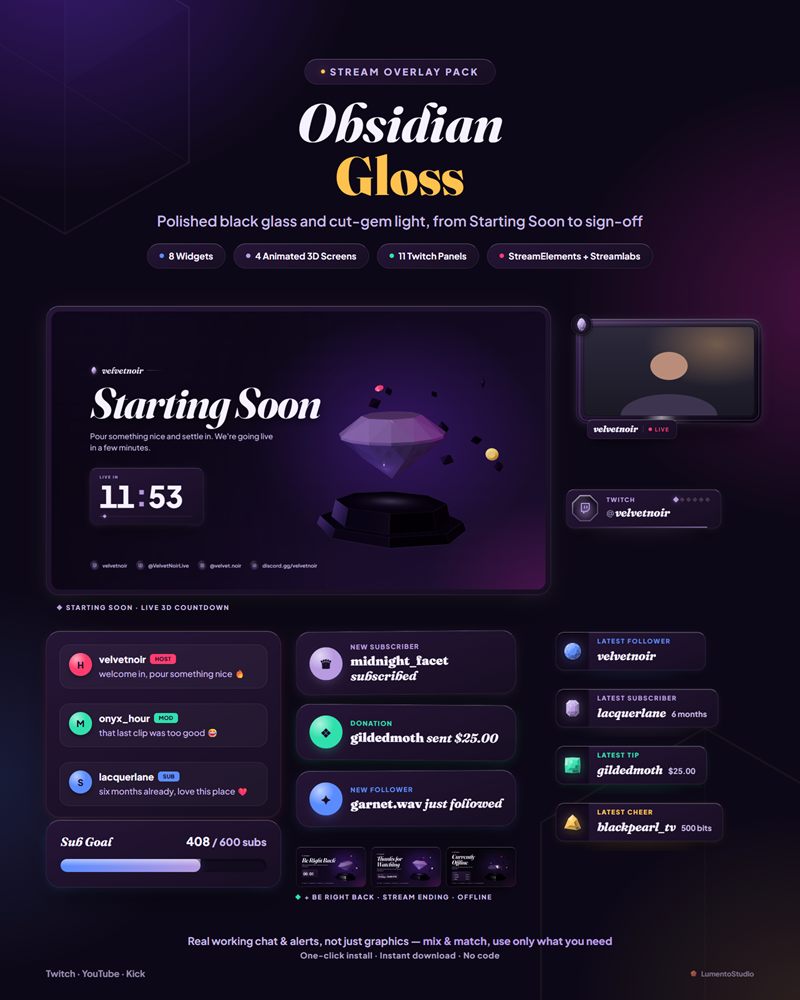

Live demo Simulated chat, alerts and goals, running exactly like on stream.
What's included
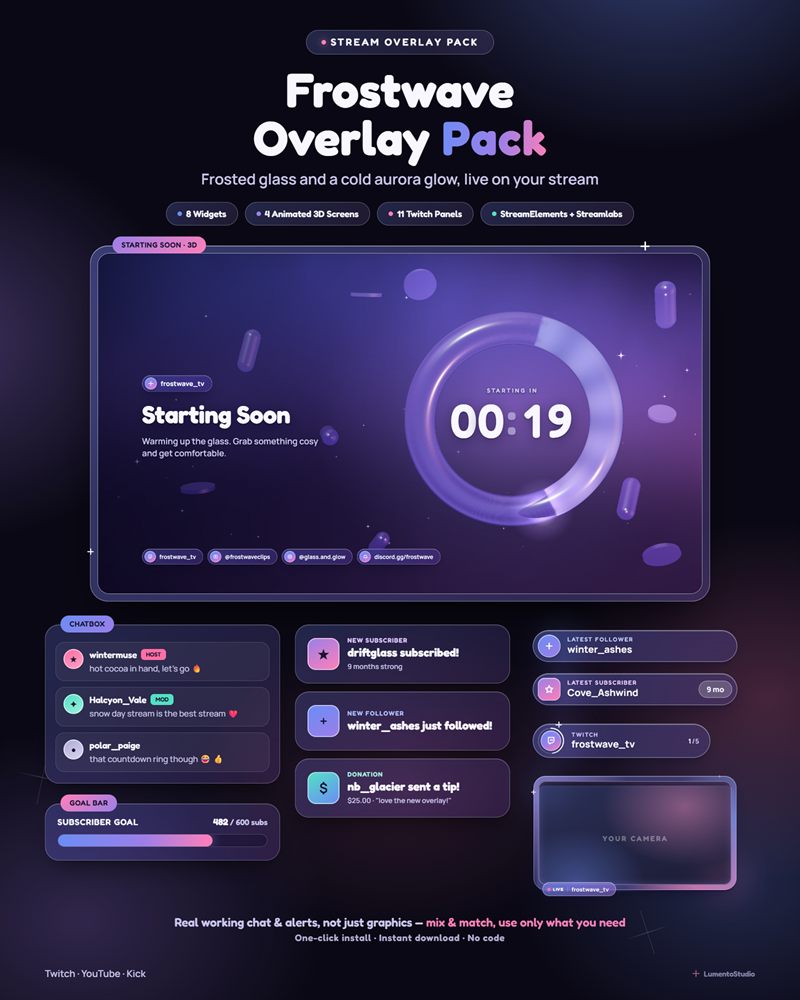
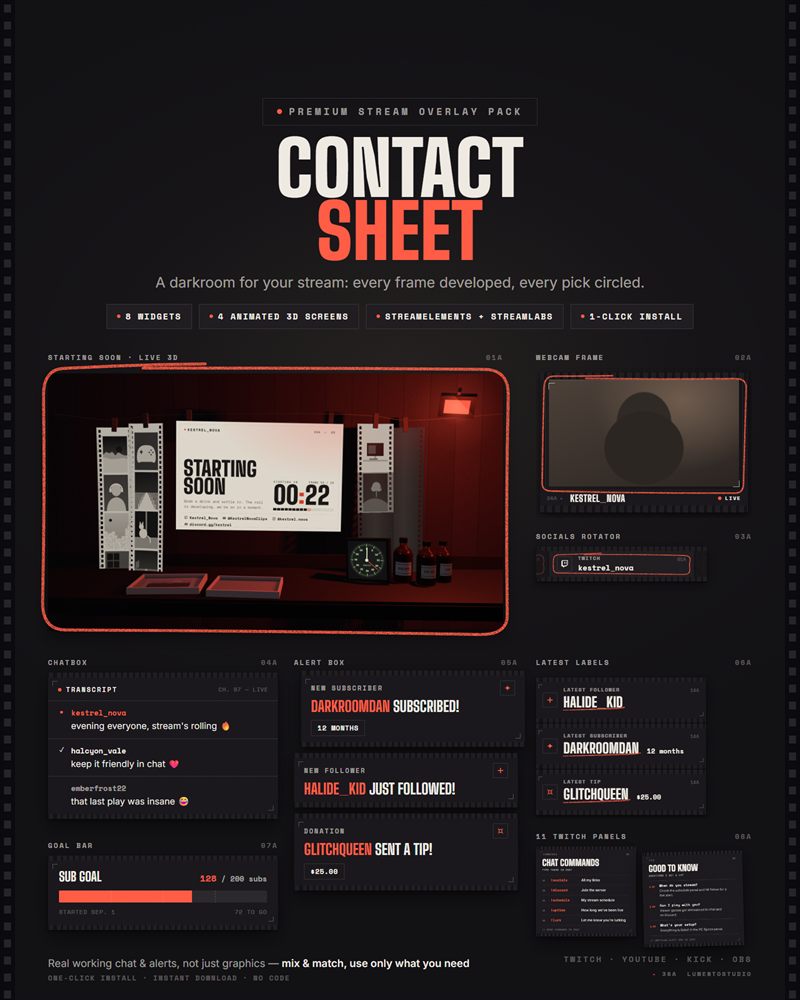
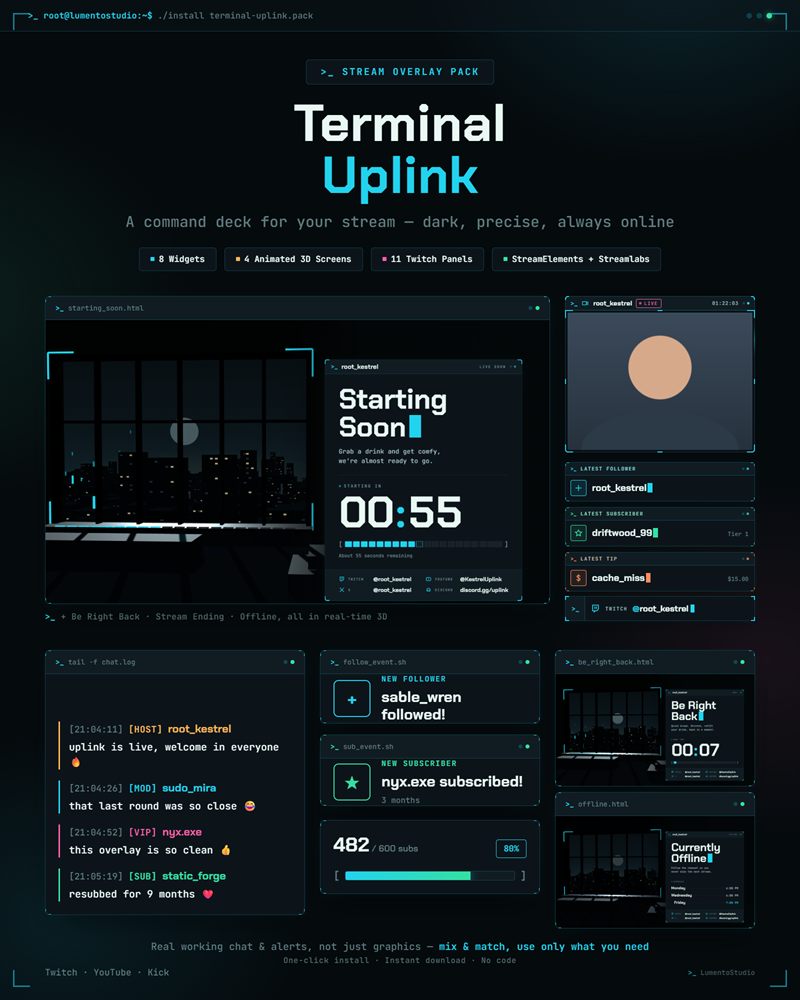
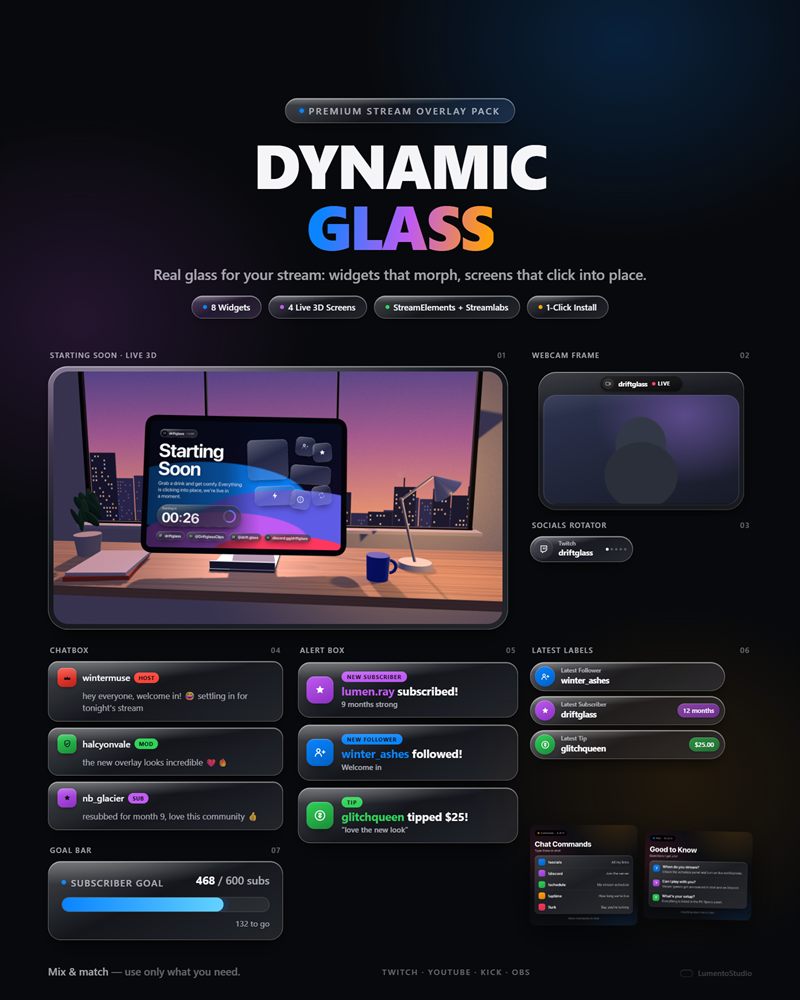
- StreamElements install link (full pack: Chatbox, Alert Box, Goal Bar, Countdown Timer, Event Rotator, Latest Labels, Socials Rotator, Webcam Frame — one click, one overlay)
- Streamlabs install link (the same 8 widgets, one Widget Theme)
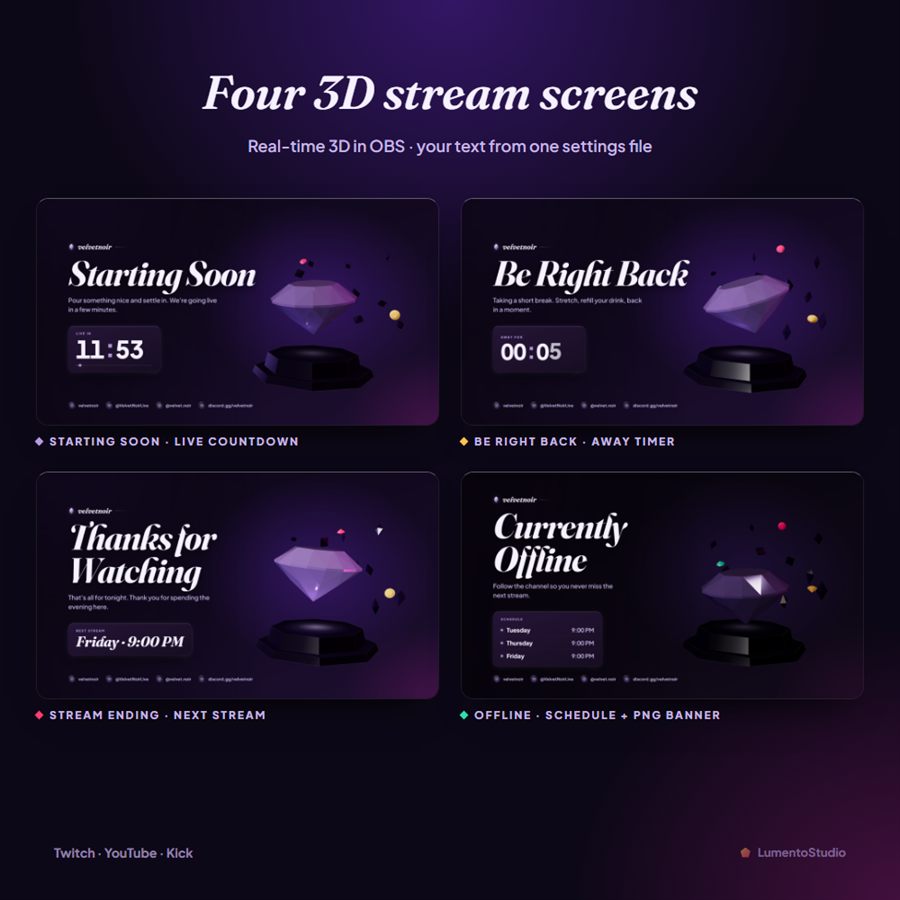
- 4 animated 3D stream screens for OBS / Streamlabs Desktop: Starting Soon (live countdown), Be Right Back, Stream Ending, Offline
- Offline banner image (1920×1080 PNG)
- 11 Twitch panels (PNG): About, Rules, Donate, Schedule, Socials, Subscribe, Discord, Commands, PC Specs, FAQ, plus one blank
- Now Playing widget (standalone file, add separately)
- Install Guide (PDF)
Customize it
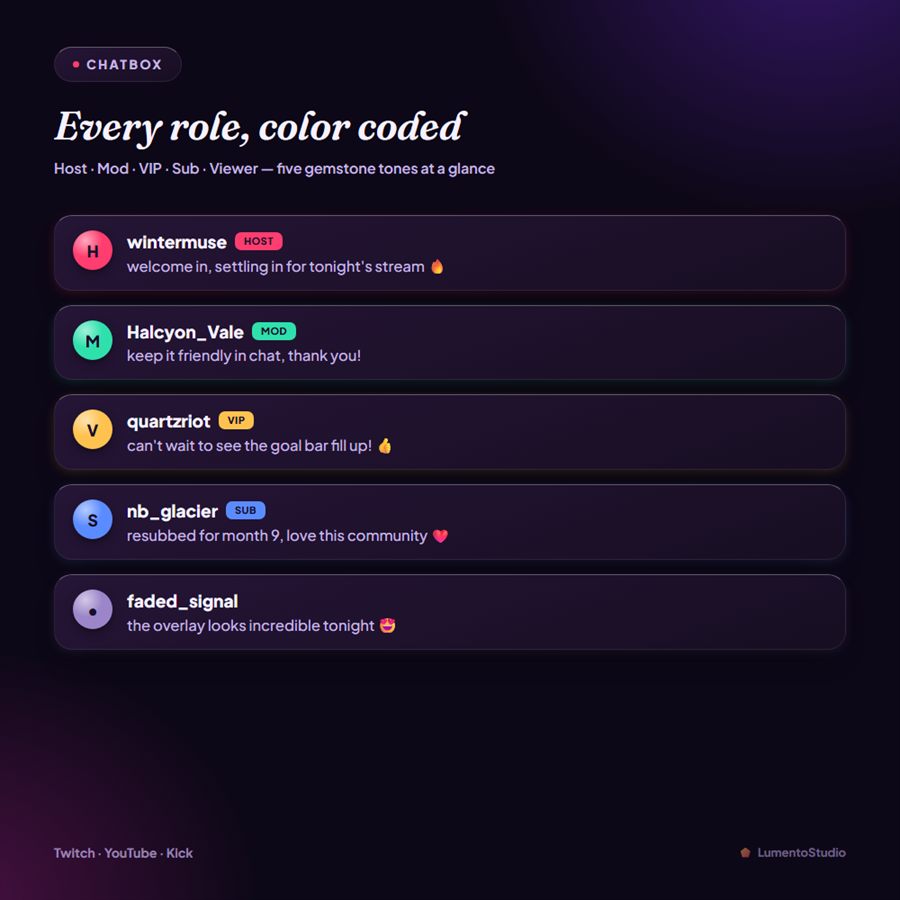
- Chatbox — badge color per role (Host, Mod, VIP, Sub, Viewer); header text; show/hide the header pill; max messages shown
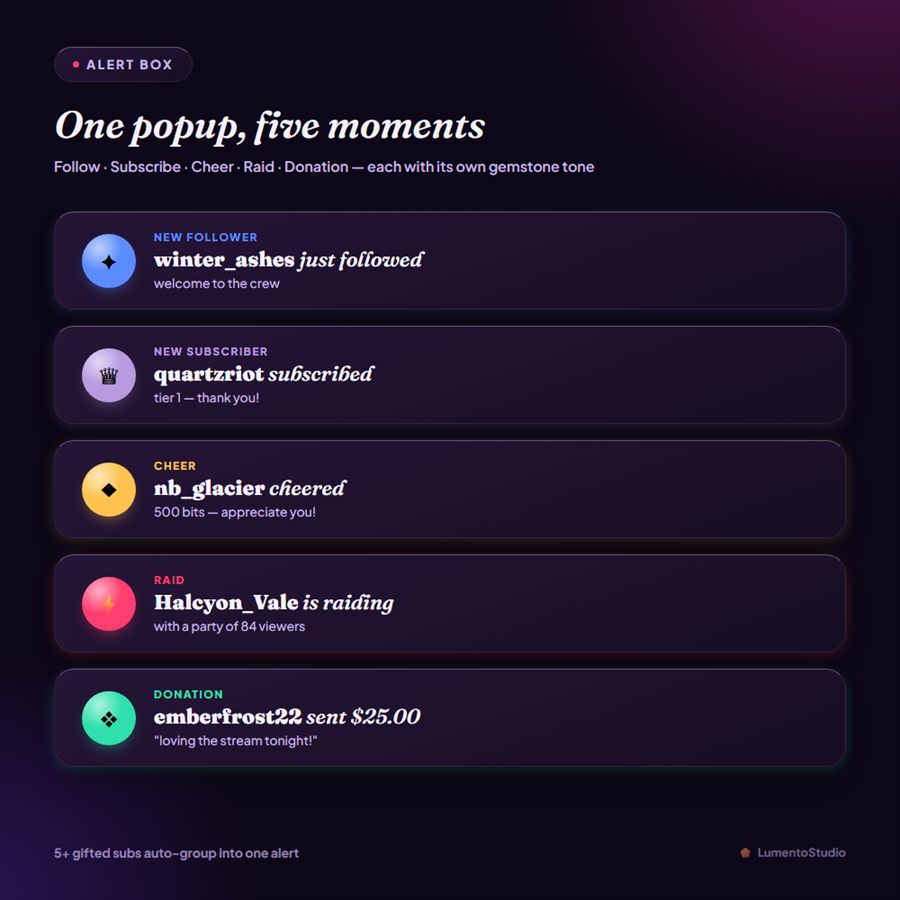
- Alert Box — color per event (Follow, Subscribe, Cheer, Raid, Donation); seconds each alert stays on screen; gift-sub grouping threshold; optional alert sound
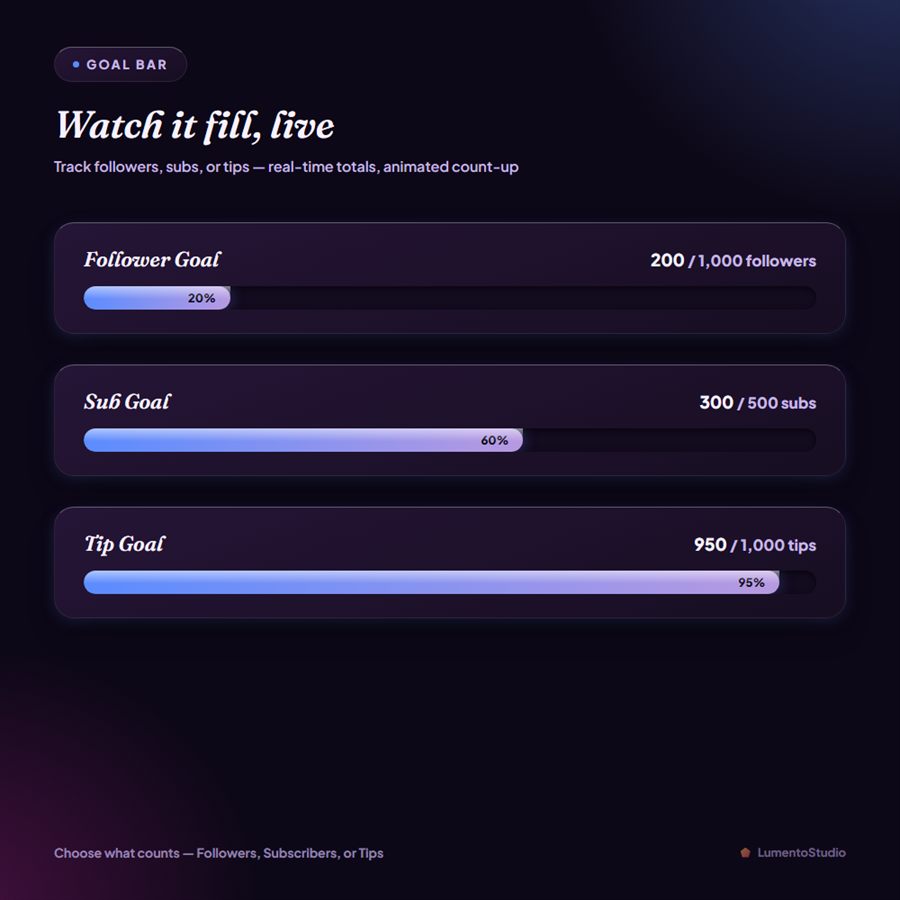
- Goal Bar — what counts toward the goal (Followers, Subscribers, or Tips); goal title text; target number
- Countdown Timer — label text; target date/time or a looping duration; restart after zero on/off; headline and subtext shown at zero
- Event Rotator — seconds between each rotating event; idle message shown when there's no recent activity
- Latest Labels — show your Latest Follower, Subscriber, Tip or Cheer; show/hide the amount or months; text shown before the first event
- Socials Rotator — up to 6 handles, each with its platform (Twitch, YouTube, X, Instagram, TikTok, Discord, Kick); seconds per handle; empty handles are skipped
- Webcam Frame — 16:9, 4:3 or 1:1; name tag text (or no tag); LIVE light on/off; stone color (Amethyst, Ruby, Emerald, Citrine, Sapphire)
- Stream Screens (one settings file, opens in Notepad) — your name; title and message on each screen; countdown length in minutes or an exact start time; text shown at zero; next stream line; up to 4 schedule rows; up to 4 socials; stone color; High/Low quality; optional 30 fps cap
Bring Obsidian Gloss to your stream
Instant digital download on Etsy. One-click install for StreamElements and Streamlabs.